

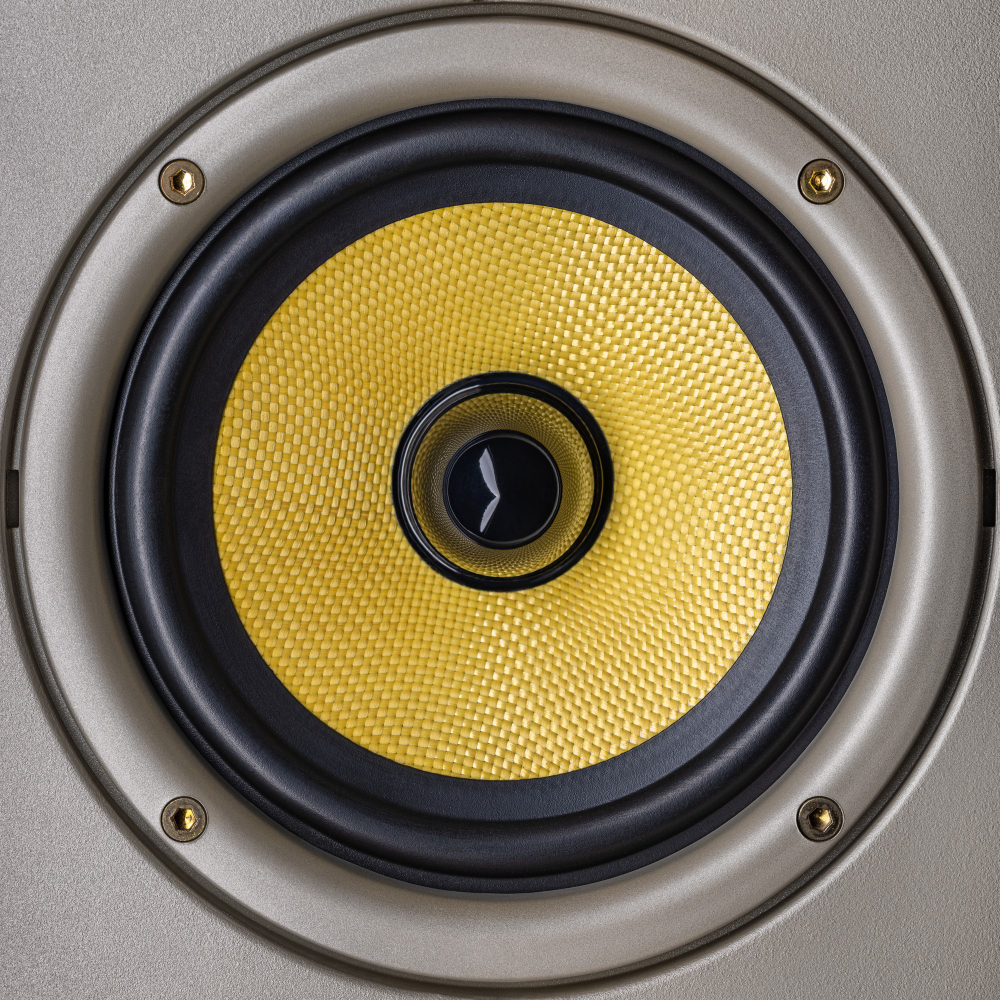
Hey there, audio aficionados! Ever cranked up the volume on your speakers, only to be greeted by an annoying buzz that could rival a beehive? We’ve all been there. But fear not, because in this guide, we’re diving headfirst into the realm of fixing speaker buzz with some hands-on, do-it-yourself solutions. So, if your speakers are sounding more like a broken record than a smooth melody, buckle up! We’re about to unravel the mysteries of distorted audio right here in Brooklyn, New York.
Understanding Speaker Buzz
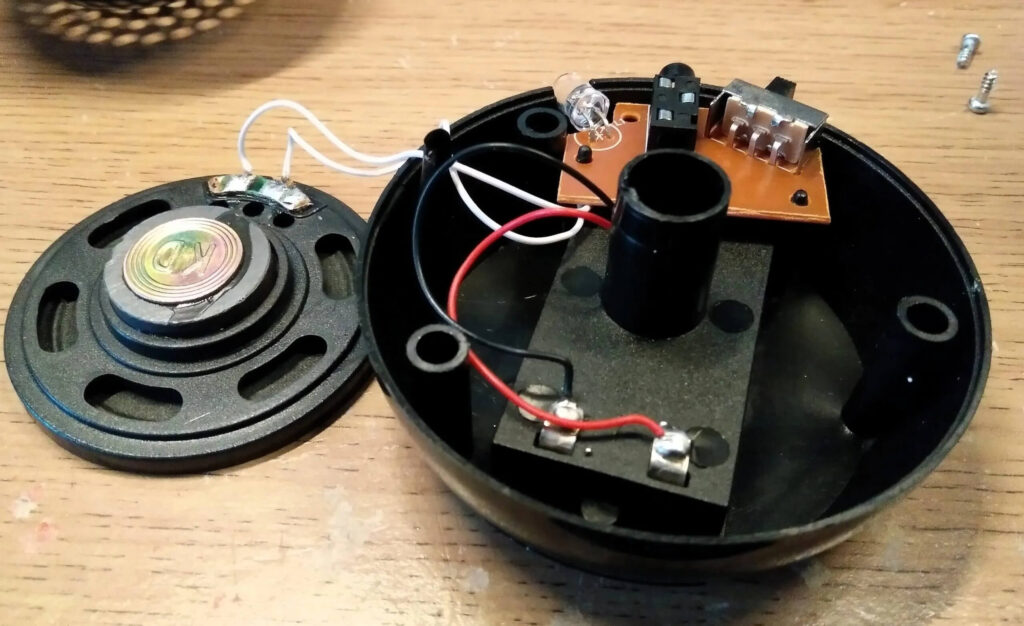
The Culprits Behind the Buzz
Before we dive into fixing, it’s crucial to understand the foes causing the ruckus. Speaker buzz can be a result of various culprits lurking in the audio shadows. Let’s unmask them:
| No. | Culprit | Description |
| 1 | Loose Connections | Ever had a loose headphone jack? Similar story with speakers. Check those cables! |
| 2 | Damaged Speaker Components | Worn-out cones or faulty diaphragms – they’re the troublemakers. Time for inspection! |
| 3 | Electronic Interference | Gadgets gone wild! Electronics around your speakers can stir up a buzzing storm. |
Detective Work: Identifying the Source
Now that we know the usual suspects, it’s time to play detective and pinpoint the source of the distortion. Grab your magnifying glass, metaphorically speaking, and let’s unravel this audio mystery:
- Listen Carefully: Pay attention to when the buzzing occurs. Is it during certain frequencies or when specific devices are on?
- Visual Inspection: Examine your speakers. Any physical damage? Loose wires? A visual check can reveal a lot.
- Trial and Error: Disconnect and reconnect components. Swap out cables. Sometimes, it’s the simple things causing the chaos.
Safety First, Audio Second
Before we channel our inner audio wizards, a quick reminder: safety first! Disconnect any power sources, unplug the speakers, and ensure you’re not stepping on cables like you’re defusing a musical bomb. Let’s avoid any unplanned electric shock therapy sessions, shall we?
DIY Tools and Equipment
Now that we’re armed with knowledge, let’s gather our arsenal of tools to wage war against the pesky buzz:
- Screwdrivers: For those tight screws that are hiding the secrets of your speakers.
- Multimeter: A tech-savvy detective’s best friend. It helps measure electrical values and locate faults.
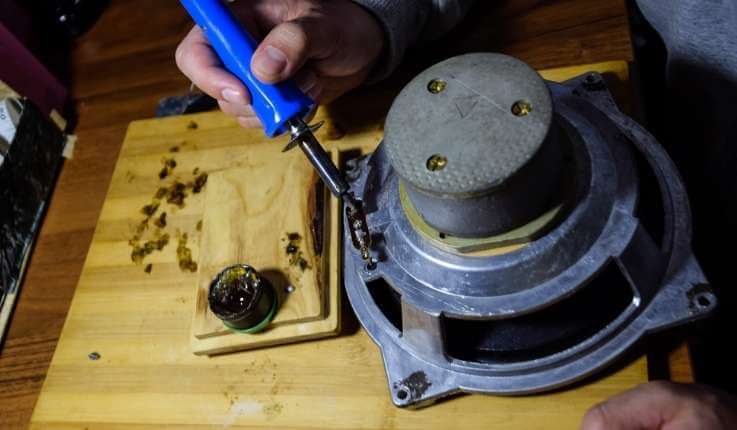
- Soldering Iron: Time for some surgical precision. Soldering can bring damaged components back to life.
- Replacement Parts: Just in case your speakers need a transplant.
Pro Tip: A well-lit workspace can be the difference between spotting a loose wire and accidentally unplugging the wrong thing.
Step-by-Step Troubleshooting
Checking Connections: Untangle the Cable Web
Let’s start with the basics – connections. A loose wire here, a disconnected cable there – these are often the villains behind the distorted audio drama. Follow these steps to get those connections singing in harmony:
- Inspect Cable Connections: Ensure all cables are snug and secure. A loose connection can wreak havoc on your audio experience.
- Tightening Loose Speaker Wire Connections: Don’t be afraid to channel your inner handyman. If those speaker wires are feeling a bit too loose, tighten them up. Just be gentle – we’re fixing, not breaking.
Examining Speaker Components: A Deep Dive
Time to get up close and personal with your speakers. Damaged components can be silent saboteurs, so let’s expose them and bring back the audio bliss:
- Check for Damaged Cones or Diaphragms: A visual inspection can reveal a lot. Any wear and tear on the cones or diaphragms? If so, it’s surgery time.
- Identifying and Replacing Faulty Components: If the damage is beyond a quick fix, it might be time to replace the problematic components. New parts, new life!
Addressing Electronic Interference: Silence the Gadgets
Our speakers are surrounded by a sea of electronic devices, each humming its own tune. Sometimes, they play a not-so-harmonious symphony. Let’s tackle this interference head-on:
- Relocating Electronic Devices: Move potential culprits away from your speakers. Electronics, especially power-hungry ones, can be the source of unwanted buzz.
- Shielding Speaker Cables: Wrap your speaker cables in a metaphorical suit of armor. Shielding them can fend off electronic interference and keep your audio pristine.
Soldering and Repair: Bring Out the Toolkit
For the brave souls ready to wield a soldering iron, this is where the real magic happens. Let’s dive into the world of soldering and repair:
- Basic Soldering Techniques: Master the art of soldering. It’s like surgery, but for your speakers. Secure those loose connections and revive damaged components.
- Safety Precautions During Soldering: Safety goggles on, folks! Soldering involves heat, so protect those peepers and work in a well-ventilated space.
Pro Tip: Patience is key. Soldering is an art that rewards the steady hand and a calm mind.
Preventive Measures
Regular Maintenance Tips: Keeping the Buzz at Bay
Congratulations on taming the audio beast! Now, to ensure it stays that way, let’s delve deeper into some preventive maintenance tips. After all, an ounce of prevention is worth a pound of cure. Let’s explore these measures to keep your audio setup in top-notch condition:
- Cleaning Speaker Components: Regularly clean your speakers to prevent the accumulation of dust and grime. Use a soft brush or compressed air to gently remove any particles that might find their way into the delicate components. This not only maintains their aesthetic appeal but also ensures optimal performance.
- Checking for Loose Connections Periodically: Make it a habit to inspect your speaker connections periodically. A quick visual check to ensure all cables are securely in place can save you from potential disruptions in the future. Loose connections can be the sneakiest culprits, so nip them in the bud.
Investing in Surge Protectors and Quality Cables: Fortify Your Audio Fortress
Now, let’s talk about fortifying your audio fortress. Surge protectors and quality cables are your audio system’s bodyguards, and investing in them can make a world of difference:
- Surge Protectors: Sudden power surges are like silent assassins to your electronic devices. A surge protector acts as a shield, redirecting excess voltage away from your speakers. Consider it an insurance policy for your precious audio setup.
- Quality Cables: Your audio system is only as strong as its weakest link – and often, that weak link is a subpar cable. Invest in high-quality cables to transmit signals effectively and minimize the risk of interference. It’s a small investment with a significant impact on audio clarity.
Placing Speakers Away from Potential Interference Sources: Strategic Positioning
Location matters, even for speakers. Ensure a harmonious coexistence by strategically placing your speakers away from potential interference sources:
- Away from Electronic Devices: Electronic gadgets emit electromagnetic interference that can disrupt your speakers’ performance. Create a buffer zone by keeping your speakers away from TVs, routers, and other electronic devices.
- Optimal Speaker Placement: Experiment with speaker placement. Sometimes, a simple shift – be it angling them differently or adjusting their height – can eliminate interference and enhance your audio experience. It’s like finding the sweet spot for your own personal audio nirvana.
Troubleshooting Common Issues
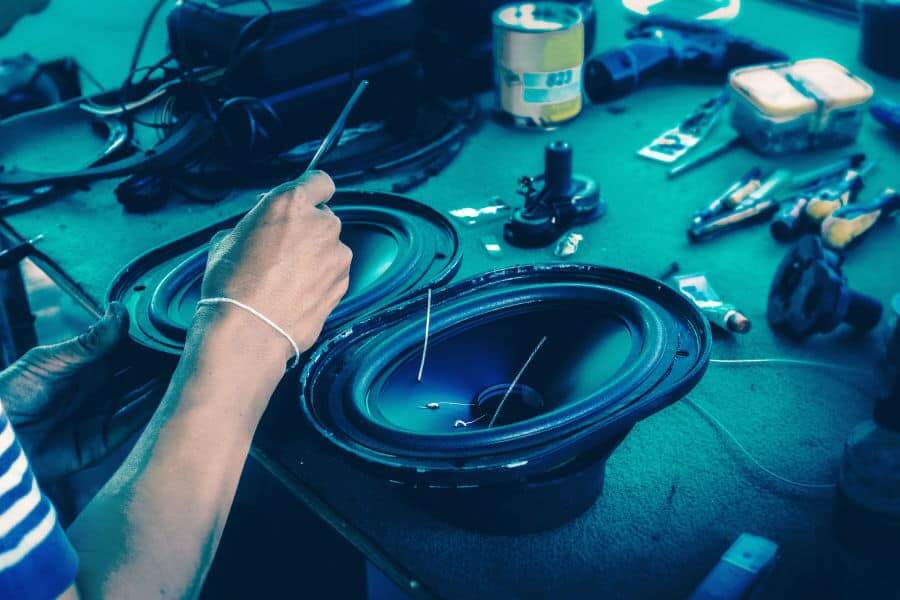
Speaker Buzz After Recent Changes or Installations: Undoing the Unwanted
You’ve made changes, and now there’s a new buzz in town. Let’s strategize on how to undo the unwanted and restore your audio haven:
- Identifying Recent Changes: Reflect on what changed recently in your audio setup. Did you introduce new devices, rearrange furniture, or make any adjustments? Identifying the moment the buzz joined the party is the first step to silencing it.
- Reversing Recent Installations if Necessary: Sometimes, the solution lies in retracing your steps. If a recent installation or change is the prime suspect, consider rolling it back to a time when your audio setup was blissfully buzz-free.
Persistent Distortion Despite Troubleshooting: When to Call in Reinforcements
You’ve given it your all, but the buzz persists. It might be time to acknowledge when to call in reinforcements. Here’s when to wave the white flag and seek professional assistance:
- Seeking Professional Help: It’s okay to admit defeat and call in the experts. Professional audio technicians have the experience and tools to diagnose and fix issues that might leave even the most dedicated DIY enthusiasts scratching their heads. When in doubt, let the pros do their magic.
- Knowing When to Replace Speakers or Components: As much as we cherish our audio equipment, they have a lifespan. If your speakers or components are beyond resuscitation, it might be time for an upgrade. Embrace the opportunity to explore the latest in audio technology and treat yourself to an enhanced listening experience.
Final Words
There you have it, fellow audio enthusiasts – a comprehensive guide to fixing speaker buzz and ensuring your audio sanctuary remains distortion-free. From unraveling the mysteries of distortion to wielding a soldering iron with finesse, you’re now equipped to handle whatever the audio gods throw your way. So, go forth, troubleshoot, and let the music play on – crystal clear and buzz-free! May your speakers sing melodiously, and your audio adventures be ever immersive and distortion-free!
Frequently Asked Questions (FAQ)
Q1: What causes speaker buzz in the first place?
A1: Speaker buzz can result from various factors, including loose connections, damaged speaker components (such as cones or diaphragms), and electronic interference from nearby devices.
Q2: How can I identify the source of the distortion?
A2: Identifying the source involves careful observation. Listen for when the buzz occurs, visually inspect your speakers for physical damage, and consider any recent changes or additions to your audio setup. A systematic approach can help pinpoint the culprit.
Q3: Why is regular maintenance important for preventing speaker buzz?
A3: Regular maintenance, such as cleaning speaker components and checking for loose connections, is crucial to prevent the buildup of dust and ensure all connections are secure. This proactive approach helps maintain optimal audio performance over time.
Q4: Can I fix speaker buzz without professional help?
A4: Absolutely! Many instances of speaker buzz can be resolved with DIY solutions. This guide provides step-by-step troubleshooting techniques, from checking connections to soldering and repair. However, if issues persist, seeking professional assistance is advisable.
Q5: Are surge protectors really necessary for audio setups?
A5: Yes, surge protectors are essential. They safeguard your audio equipment from sudden power surges that can cause irreversible damage. Investing in a surge protector is like buying insurance for your valuable audio components.
Q6: How do I determine if it’s time to replace my speakers or components?
A6: If troubleshooting doesn’t resolve the issue and your speakers or components are beyond repair, it might be time for an upgrade. Consider factors like the extent of damage, the age of the equipment, and technological advancements in the audio industry.
Q7: Can I use any soldering iron for speaker repair?
A7: While any soldering iron may work for basic repairs, it’s advisable to use one with adjustable temperature settings and a fine tip for precision. This ensures you have better control over the soldering process, especially when dealing with delicate speaker components.
Q8: How frequently should I perform preventive maintenance on my speakers?
A8: Performing preventive maintenance every few months is a good practice. Regularly clean your speakers, check connections, and assess the overall condition. This helps catch potential issues early and ensures a prolonged life for your audio setup.
Q9: Will using high-quality cables really make a difference?
A9: Absolutely. High-quality cables help transmit audio signals efficiently, reducing the risk of interference and maintaining signal integrity. Investing in quality cables contributes to a clearer and more robust audio experience.
Q10: What should I do if the speaker buzz persists after DIY troubleshooting?
A10: If your best DIY efforts don’t resolve the issue, it’s time to seek professional help. Audio technicians have the expertise and tools to diagnose and address complex problems that might be beyond the scope of DIY solutions.