

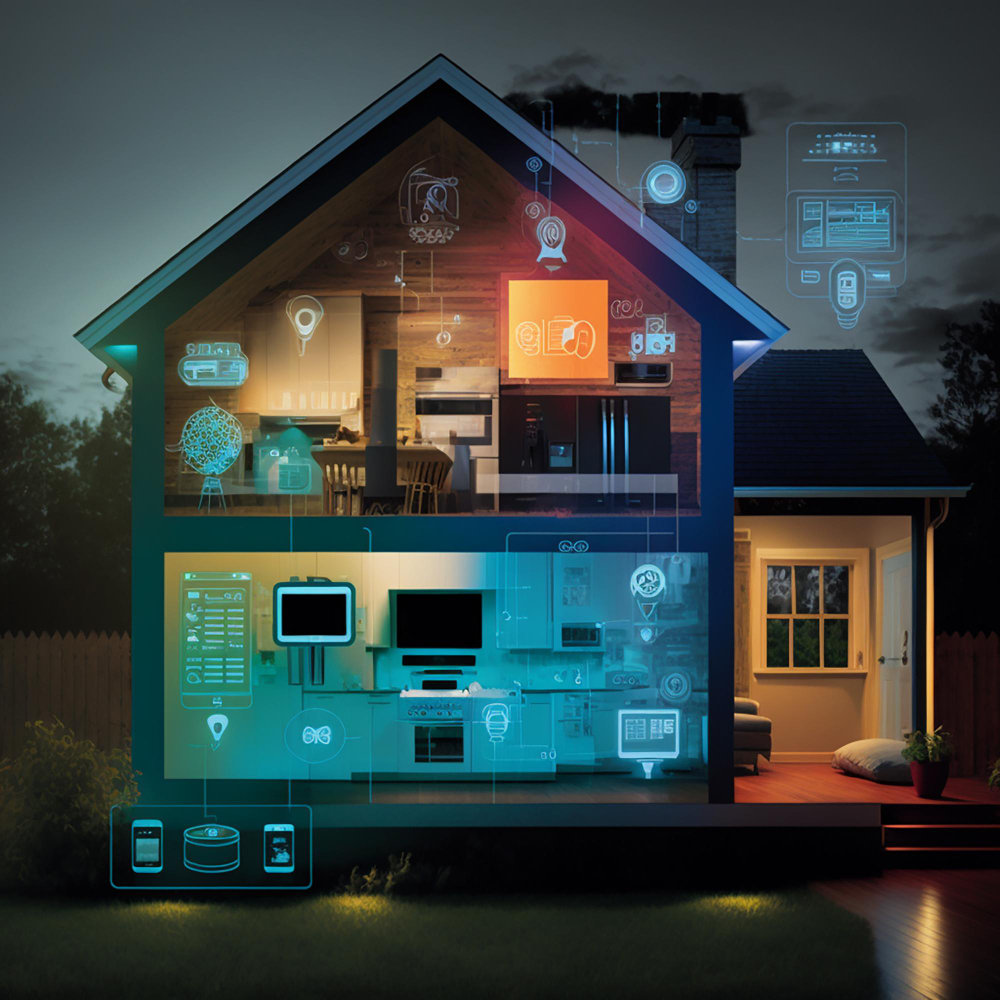
Smart lighting, once a futuristic concept straight out of a sci-fi movie, has become an integral part of our daily lives. From controlling the ambiance of our living rooms to optimizing energy consumption, smart lighting systems are illuminating our homes and cities in more ways than one. But, hey, what happens when the glow of technological brilliance flickers, and your smart lights decide to throw a tantrum?
The Rise of Smart Lighting
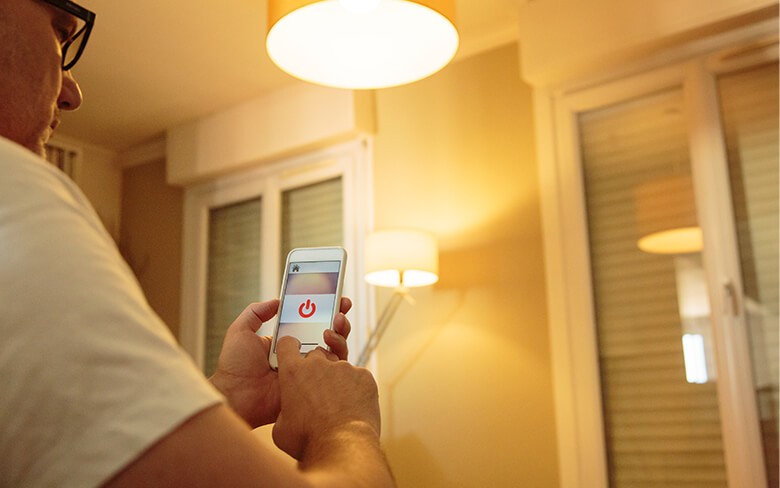
In the heart of the concrete jungle, where dreams are made, Brooklyn, New York, stands as a testament to the urban revolution. Amidst the skyscrapers and brownstones, smart lighting has emerged as a game-changer. Picture this: you’re strolling down the iconic Brooklyn Bridge, and the lights above you adjust their intensity, perfectly syncing with the mood of the evening. That’s the magic of smart lighting – blending technology seamlessly with the city’s vibrant spirit.
Types of Smart Lighting Systems
Wireless Protocols
Navigating the labyrinth of smart lighting starts with understanding the diverse wireless protocols that power these illuminating wonders. Here’s a quick rundown:
| Protocol | Characteristics |
| Zigbee | Low-power, short-range, mesh network |
| Z-Wave | Low-power, long-range, ideal for home automation |
| Bluetooth | Widely used, short-range, easy pairing |
| Wi-Fi | High-power, long-range, common in smart homes |
These protocols dictate how your smart lights communicate with each other and the controlling devices. A hiccup in this communication can lead to connectivity issues – the bane of every smart lighting system.
Cloud-Based Systems
In the era of the cloud, smart lighting systems often leverage remote servers for enhanced functionality. Think about it as having a virtual butler managing your lights. The benefits are immense, but when your internet connection wavers, these cloud-based systems can experience downtime.
Pro Tip: Ensure a robust internet connection for seamless cloud-based smart lighting experiences.
Local Control Systems
Local control systems put the power in your hands, literally. Your smartphone or a dedicated hub becomes the command center for your smart lights. The upside? Independence from external servers. The downside? If your hub goes rogue or your phone decides to play hide and seek, you might face operational disruptions.
Pro Tip: Keep your control devices up-to-date and within the operational range of your lights.
Integration with IoT Devices
Smart homes thrive on integration, and smart lighting is no exception. Lights syncing with your thermostat, security cameras, or even your smart fridge – the possibilities are endless. However, when these integrated devices clash or encounter compatibility issues, the result is a symphony of malfunctions.
Pro Tip: Ensure all your connected devices speak the same language by checking compatibility lists.
Understanding these systems lays the foundation for troubleshooting. Now, let’s dive into the murky waters of common smart lighting malfunctions and how to navigate them like a pro.
Common Smart Lighting Malfunctions
Now that we’ve deciphered the alphabet soup of smart lighting systems, let’s shine a light on the gremlins that can disrupt your well-lit kingdom. Smart lighting malfunctions come in various shapes and sizes, but fear not – we’ve got the cheat codes to troubleshoot these technological hiccups.
Connectivity Issues
Interference with Wireless Signals
Wireless protocols dance through the airwaves, but sometimes, unwanted guests crash the party. Think walls, electronic appliances, or neighboring Wi-Fi networks causing interference. It’s like trying to have a conversation in a crowded room – the message gets lost in the noise.
Solution: Identify and eliminate sources of interference, reposition devices, or invest in signal boosters.
Network Configuration Problems
Ever felt the frustration of a Wi-Fi password rejection? Your smart lights feel the same when network configurations go haywire. Double-checking settings, passwords, and ensuring a secure connection is key to resolving these glitches.
Solution: Verify network credentials, update router settings, and consider assigning static IP addresses.
Firmware and Software Glitches
Outdated Firmware
Firmware – the unsung hero of your smart lights. Yet, when it ages like fine wine, problems emerge. Manufacturers roll out updates for a reason – to keep your lights snazzy and trouble-free.
Solution: Regularly check for firmware updates and install them promptly.
Software Bugs and Updates
Ah, the infamous bugs – not the kind you find in your garden but in your smart lighting system’s software. Glitches, crashes, or erratic behavior may demand a digital exterminator.
Solution: Keep your app and system software updated, and report bugs promptly to manufacturers.
Hardware Failures
Sensor Malfunctions
Smart lights often play detective with motion sensors, ambient light sensors, and more. When these sensors go rogue, your lights might flicker, stay on constantly, or worse – refuse to turn on at all.
Solution: Test and replace malfunctioning sensors, and ensure proper installation and alignment.
Power Supply Issues
Even the smartest lights need power, and when the juice runs low, chaos ensues. Power supply issues can manifest as intermittent flickering or complete blackouts.
Solution: Check power sources, replace faulty power adapters, and consider a stable power backup.
Understanding these common malfunctions arms you with the knowledge to troubleshoot like a seasoned tech guru. But wait, there’s more – in the next section, we’ll delve into the art of diagnosing smart lighting malfunctions and unveil the secret sauce of proactive maintenance. So, grab your metaphorical toolbox, and let’s get hands-on with those smart lights!
Diagnosing Smart Lighting Malfunctions

You’ve encountered the Bermuda Triangle of smart lighting malfunctions, but fear not – we’re about to embark on a journey of discovery, armed with diagnostic tools and troubleshooting prowess. Buckle up, as we unravel the mysteries and chart a course to illuminate the path of resolving these luminous conundrums.
Troubleshooting Steps
Checking Network Connections
Picture this: your smart lights are the stars of a network performance, but a weak link can dim their sparkle. Start by ensuring all devices are connected as they should be – a disconnected bulb is like a solo artist without a stage.
Action Plan:
- Verify Wi-Fi and Zigbee/Z-Wave connections.
- Check for conflicting IP addresses.
- Ensure devices are within the recommended operational range.
Reviewing Firmware and Software Versions
Just as you update your playlist for fresh beats, your smart lights crave the latest firmware. Outdated software can lead to a symphony of malfunctions.
Action Plan:
- Check for firmware updates regularly.
- Update both app and system software promptly.
- Ensure compatibility between devices and software versions.
Inspecting Hardware Components
Lights, camera, hardware! Hardware malfunctions can throw your smart lighting system off-script. A malfunctioning sensor or a power-hungry LED might be the culprit.
Action Plan:
- Test and replace malfunctioning sensors.
- Inspect power sources and adapters.
- Ensure proper installation and alignment of hardware components.
Utilizing Diagnostic Tools
Network Scanners
In the digital realm, scanners are not just for documents – they’re your secret weapon against connectivity woes. These tools identify network issues, signal strength, and potential interference.
Action Plan:
- Use Wi-Fi analyzers to identify signal interference.
- Employ network scanners to detect connected devices and their status.
- Investigate signal strength and optimize device placement accordingly.
Firmware Update Tools
Updating firmware doesn’t have to be a guessing game. Dedicated tools streamline the process, ensuring your smart lights stay at their A-game.
Action Plan:
- Utilize manufacturer-provided tools for firmware updates.
- Follow step-by-step instructions for a seamless update process.
- Keep track of update history for reference.
Hardware Testing Devices
When hardware misbehaves, testing devices become your trusty sidekicks. Multimeters, infrared thermometers, and sensor testing tools can pinpoint issues with precision.
Action Plan:
- Use multimeters to check power supply voltages.
- Employ infrared thermometers to identify overheating components.
- Utilize sensor testing tools to diagnose faulty sensors.
Mastering the art of diagnosis ensures you’re not left in the dark when malfunctions strike. Armed with these troubleshooting steps and diagnostic tools, you’re well on your way to reclaiming control over your smart lighting kingdom. Stay tuned as we illuminate the path to preventive measures and proactive maintenance in the next segment.
Preventive Measures: Keeping the Lights Bright
Now that we’ve unraveled the mysteries behind smart lighting malfunctions and equipped ourselves with diagnostic prowess, it’s time to don the cape of prevention. Proactive measures are the unsung heroes of the tech world, ensuring your smart lighting kingdom remains resilient against the onslaught of glitches and gremlins.
Regular System Maintenance
Firmware Updates
In the digital realm, staying up-to-date is not a mere suggestion – it’s a commandment. Firmware updates are the lifeblood of smart lighting systems, addressing vulnerabilities, enhancing performance, and keeping malfunctions at bay.
Action Plan:
- Schedule regular checks for firmware updates.
- Follow manufacturer guidelines for installation.
- Ensure compatibility between firmware versions.
Software Patches
Just like a patchwork quilt, software patches weave together the fabric of a glitch-free experience. Manufacturers release patches to mend the fabric of software glitches, ensuring smooth functionality.
Action Plan:
- Enable automatic updates when available.
- Keep an eye on manufacturer announcements for patches.
- Promptly install software patches to address vulnerabilities.
Secure Network Configurations
Strong Passwords
Your Wi-Fi password is not just a gateway to the internet – it’s the fortress protecting your smart lighting castle. A weak password is an open invitation to unwanted guests.
Action Plan:
- Use complex passwords with a mix of characters.
- Regularly update passwords for enhanced security.
- Avoid default passwords and opt for unique combinations.
Encryption Protocols
In the digital realm, encryption is the cloak of invisibility. Encrypting your network transmissions safeguards against prying eyes and potential intruders.
Action Plan:
- Enable WPA3 encryption for Wi-Fi networks.
- Implement encryption for communication between devices.
- Regularly review and update encryption protocols.
By incorporating these preventive measures into your smart lighting kingdom, you’re not just averting malfunctions – you’re fortifying your fortress against potential disruptions. But, hey, stay tuned because in the next segment, we’ll dive into the specifics of addressing those stubborn malfunctions head-on.
Addressing Specific Malfunctions
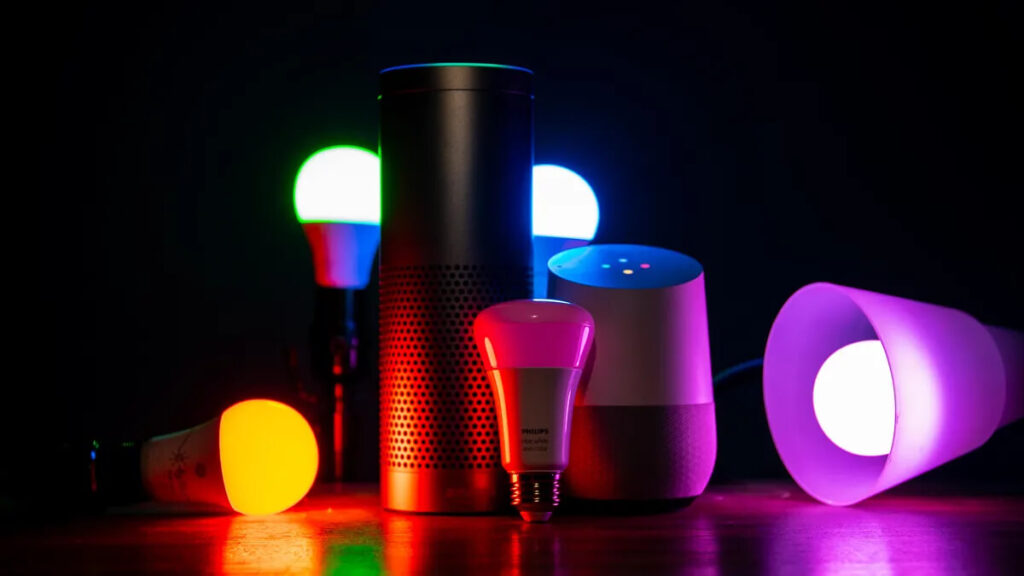
Having fortified our smart lighting kingdom with preventive measures, it’s time to tackle those specific malfunctions head-on. Let’s face it – even the most well-guarded fortress can face occasional skirmishes. Whether it’s connectivity hiccups, firmware faux pas, or hardware headaches, we’ve got the battle-tested strategies to bring your smart lights back to their shining glory.
Connectivity Issues
Signal Boosting Techniques
In the world of wireless signals, it’s all about amplification. Signal boosters act as the unsung heroes, ensuring your smart lights receive the signal loud and clear.
Action Plan:
- Invest in high-quality signal boosters compatible with your wireless protocol.
- Strategically place boosters to cover potential dead zones.
- Optimize device placement for an unobstructed signal path.
Network Optimization Tips
Think of your network as a well-choreographed dance. Optimization ensures every device moves to its own beat without stepping on each other’s toes.
Action Plan:
- Separate IoT devices onto a dedicated network.
- Adjust Wi-Fi channels to minimize interference.
- Upgrade to a dual-band router for improved device segregation.
Firmware and Software Glitches
Update Procedures
Firmware updates – the necessary evil for a glitch-free experience. Mastering the art of updating ensures a smooth transition without tripping over digital hurdles.
Action Plan:
- Back up device settings before initiating updates.
- Follow a systematic approach – one device at a time.
- Monitor devices post-update for any anomalies.
Rollback Options
What if the latest firmware throws a curveball? Fear not; rollback options are your safety net, allowing you to retreat to a stable version when needed.
Action Plan:
- Familiarize yourself with rollback procedures.
- Keep a record of stable firmware versions.
- Use rollback sparingly and only when essential.
Hardware Failures
Replacement and Repair Strategies
When hardware stumbles, knowing when to replace or repair is crucial. A malfunctioning sensor or a power-hungry LED demands decisive action.
Action Plan:
- Keep spare sensors for quick replacements.
- Consult manufacturer guides for DIY repairs.
- Leverage warranties for defective components.
Warranty and Support Services
Don’t underestimate the power of a warranty – it’s your safety net in the unpredictable world of hardware failures. Manufacturers often provide support services to navigate these troubled waters.
Action Plan:
- Register products to activate warranties.
- Familiarize yourself with support channels.
- Reach out to manufacturers for guidance in case of hardware failures.
Final Words
The future of smart lighting holds the promise of unprecedented convenience and efficiency, but not without its share of challenges. As technology continues to advance, staying informed and proactive will be the guiding principles for enthusiasts and industry professionals alike. From AI-enhanced experiences to the potential hurdles in ensuring security and integration, the journey ahead promises to be as illuminating as the smart lights that guide us today.
In our final chapter, we’ll wrap up our exploration, summarizing key insights and emphasizing the importance of proactive maintenance in ensuring the longevity and brilliance of your smart lighting kingdom. Ready to conclude our enlightening journey? Let’s shine a light on the final stretch!
Frequently Asked Questions (FAQ)
Welcome to our Smart Lighting FAQ section! Here, we address some common queries to help you navigate the world of smart lighting with confidence.
- What is Smart Lighting?
Answer: Smart lighting refers to an advanced lighting system that can be controlled remotely using devices like smartphones, tablets, or voice commands. It often includes features like color-changing capabilities, dimming options, and integration with other smart home devices.
- How Do Smart Lighting Systems Work?
Answer: Smart lighting systems typically use wireless communication protocols like Zigbee, Z-Wave, or Wi-Fi to connect and communicate with each other and with control devices. These systems often include a central hub or can be controlled directly through mobile apps, allowing users to manage their lights remotely.
- What Are Common Smart Lighting Malfunctions?
Answer: Common smart lighting malfunctions include connectivity issues, firmware and software glitches, and hardware failures. Connectivity problems may arise from interference or network configuration issues, while firmware glitches can result in unresponsive lights. Hardware failures may involve malfunctioning sensors or power supply issues.
- How Can I Diagnose Smart Lighting Malfunctions?
Answer: Diagnosing smart lighting malfunctions involves checking network connections, reviewing firmware and software versions, and inspecting hardware components. Utilizing diagnostic tools such as network scanners, firmware update tools, and hardware testing devices can aid in identifying and resolving issues.
- What Preventive Measures Can I Take for Smart Lighting?
Answer: Preventive measures include regularly updating firmware and software, using strong passwords and encryption protocols for secure network configurations, and conducting system maintenance. These measures help enhance the reliability and security of your smart lighting system.
- How Do I Address Connectivity Issues with Smart Lighting?
Answer: To address connectivity issues, consider using signal boosters to strengthen wireless signals, optimizing your network layout, and upgrading to a dual-band router for improved performance. Separating IoT devices onto a dedicated network can also minimize interference.
- What Should I Do if I Encounter Firmware Update Issues?
Answer: If you encounter firmware update issues, ensure you have backed up device settings before updating. If problems persist, utilize rollback options to revert to a stable firmware version. Monitor devices closely post-update to catch and address any unexpected behavior.
- What Are the Future Trends in Smart Lighting?
Answer: Future trends in smart lighting include integration with AI and machine learning for personalized experiences, the emergence of Li-Fi technology for faster data transfer, and efforts towards standardization for seamless device integration within smart home ecosystems.
- How Can I Ensure Security in My Smart Lighting System?
Answer: To ensure security, implement robust encryption protocols for data transmission, regularly update firmware and software to patch security vulnerabilities, and adopt common communication protocols for seamless integration while prioritizing devices from reputable manufacturers.
- Why is Proactive Maintenance Important for Smart Lighting?
Answer: Proactive maintenance is crucial for smart lighting systems to ensure their longevity and optimal performance. Regular updates, security checks, and adherence to manufacturer guidelines help prevent malfunctions and keep the system running smoothly over time.